

Interactive Daily Checklist: A Simple Way to Stay Organized
This post may contain affiliate links.
Do you ever start your day with a million things to do and then wonder where the day went?
Between work, errands, family, household tasks, appointments, and all those little things that somehow always end up on your to-do list, it can be hard to keep track of everything.
That’s where a good daily checklist comes in.
Instead of trying to remember everything in your head, you can put it all in one place, work through your list, and check things off as you go.
And honestly, there’s just something satisfying about checking a box when you’re DONE. ✔️
Why Use a Daily Checklist?
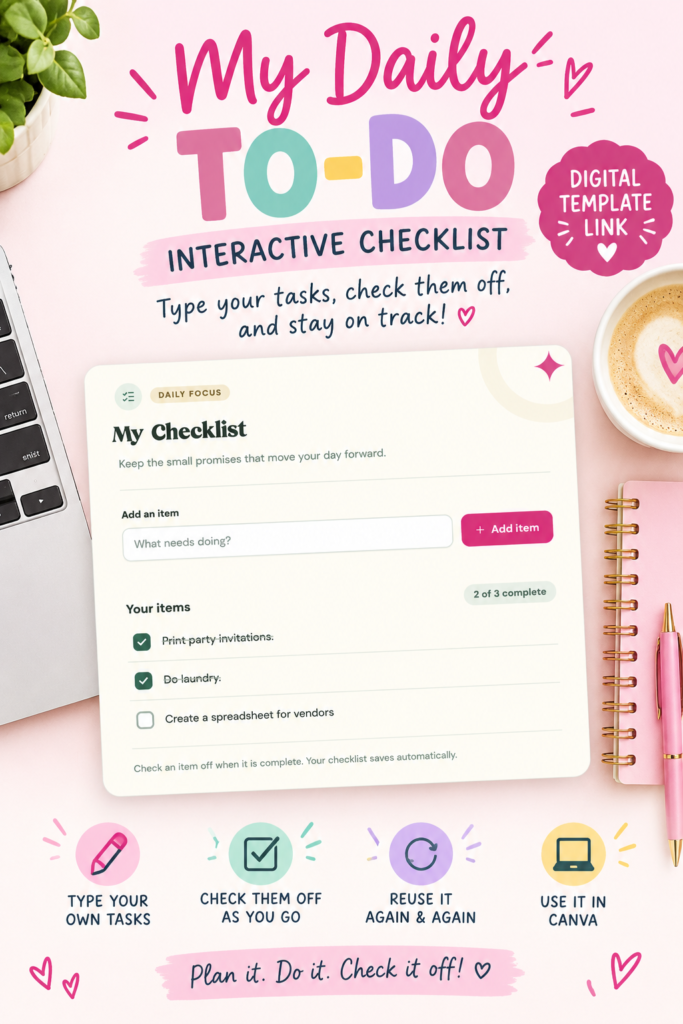
A daily checklist is a simple way to see exactly what you need to accomplish without feeling like you have to remember everything at once.
Writing down your tasks can help you:
- Organize your day
- Keep track of important tasks
- Break a busy day into manageable steps
- Stay focused on what needs to get done
- See your progress throughout the day
- Avoid forgetting those little tasks
Plus, checking things off gives you a little boost of motivation to keep going.
Meet My Daily To-Do
If you love making lists, I made something you might want to add to your daily routine!
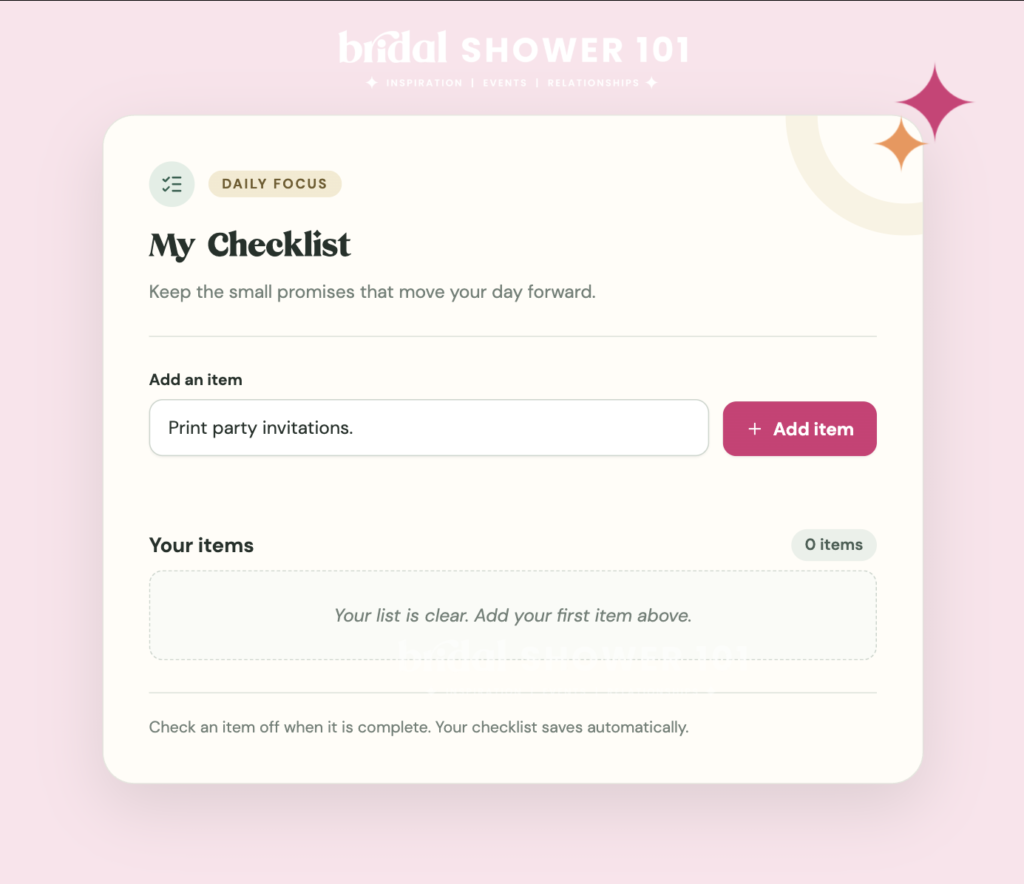
My Daily To-Do is an interactive digital checklist that you can use right inside Canva.
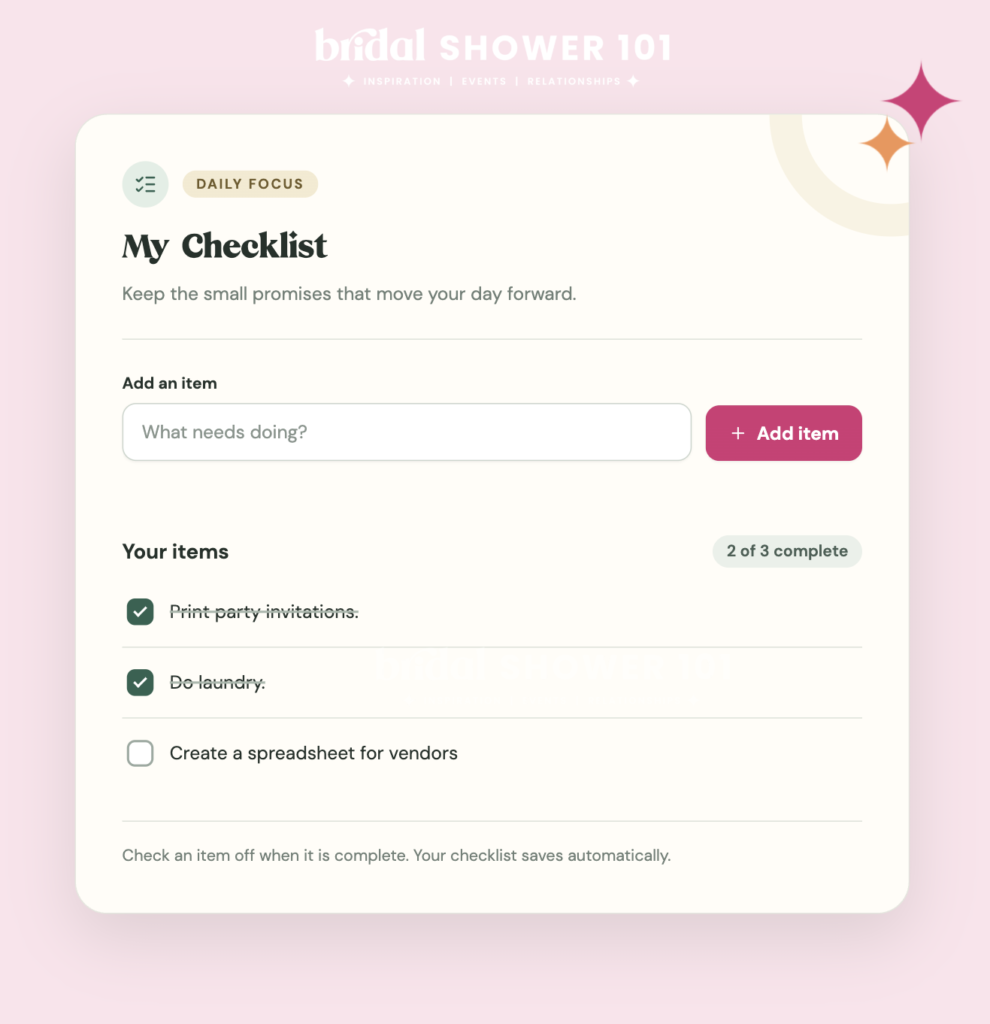
You can type in your own tasks, then click the interactive checkboxes as you complete them.
No printing. No digging through a notebook. No crossing things out with a pen.
Just open your checklist and get to work!
How Can You Use It?
The best part is that you can make the checklist work for YOU.
Use it for your morning routine, workday, household chores, errands, or anything else you need to get done.
For example, your daily checklist might look something like this:
☐ Answer emails
☐ Make doctor’s appointment
☐ Finish work project
☐ Pick up groceries
☐ Pay bills
☐ Do laundry
☐ Prep dinner
☐ Take 30 minutes for yourself
Or maybe your list is completely different!
The checklist is blank, so you can add whatever tasks you need for that particular day.
How the Interactive Checklist Works
After purchasing My Daily To-Do, you’ll receive a link to access the Canva template.
Once you open the template in Canva, simply make the template full screen.
Then you’re ready to go!
Type your tasks into the designated spaces and click the checkboxes as you complete each task.
It’s that simple.
And because you’re using a digital template, you can use it again and again for your daily to-do lists.
Make Your To-Do List Work for You
One of my favorite things about a checklist is that it doesn’t have to be complicated.
You don’t need a huge planner with dozens of pages to organize your day. Sometimes you just need one simple place to write down what needs to get done.
You can even divide your tasks into categories if that works better for you.
Work
☐ Check emails
☐ Complete priority project
☐ Make phone calls
Home
☐ Start laundry
☐ Clean kitchen
☐ Prep dinner
Personal
☐ Drink water
☐ Take a walk
☐ Read for 20 minutes
There is no right or wrong way to make your list. The goal is simply to make your day feel a little more manageable.
Don’t Forget the Small Things!
We all have those tiny tasks that aren’t necessarily difficult, but somehow keep getting forgotten.
Send that email.
Call the dentist.
Order more dog food.
Put the laundry in the dryer.
Return that package.
You know the ones! 😂
Adding those little tasks to your checklist can help get them out of your head and onto your list.
And once you check that box? DONE.
Ready to Get Things Done?
If you’re looking for a simple way to organize your day, My Daily To-Do is an easy place to start.
It’s simple, reusable, and completely customizable to your day.
Just open it in Canva, make it full screen, add your tasks, and start checking things off!
Because sometimes the best feeling is looking at your list at the end of the day and seeing just how much you actually accomplished. 💕
Plan it. Do it. Check it off!
This blog post was all about an interactive daily checklist.